Using a cheap Bluetooth Sheet Music Pedal on Linux
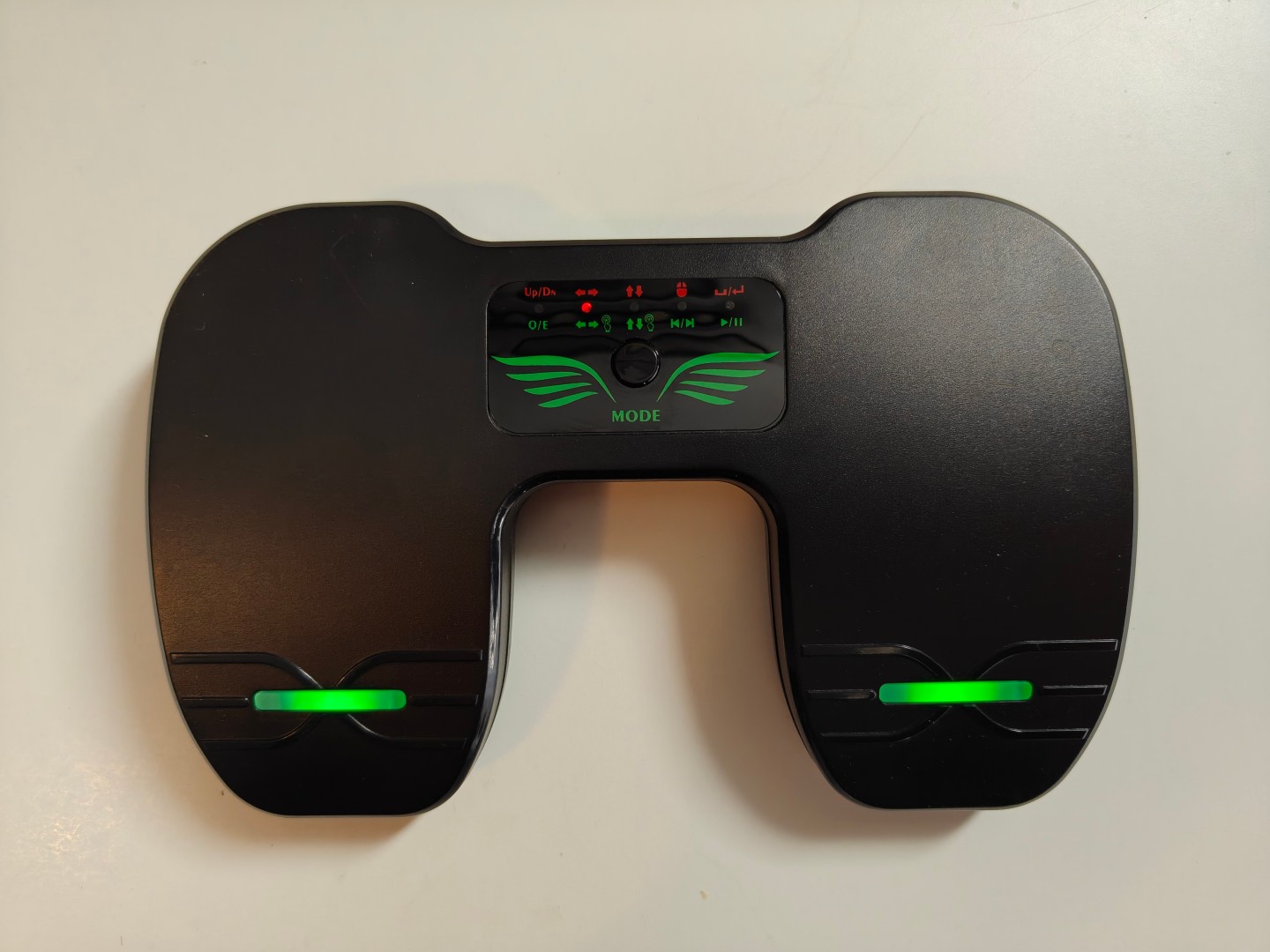
I recently (as in, half a year ago) bought a cheap Bluetooth sheet music pedal from AliExpress. I expected it to work out of the box, since it’s just a fancy Bluetooth keyboard with only two keys. Which it did for Android, but not for Linux; pressing the buttons did exactly nothing.
Turns out its vendor ID is 05AC, which belongs
to Apple: They probably use it to make pairing the pedal to
iPads seamless.
Short side note: iPads are the de facto standard for sheet
music tablets, not because of the (to be fair, very good)
hardware, but because there simply isn’t anything as good as
forScore for Android
(yet!).
But I don’t care about that! I just want to rotate my laptop
90° and read sheet music in Okular.
The problem turns out to be hid-apple, the hid driver for Apple’s own keyboards and mice, claiming the device.
[ 109.322607] apple 0005:05AC:022C.0006: Fn key not found (Apple Wireless Keyboard clone?), disabling Fn key handling
[ 109.322798] input: P2 Smart Pedal as /devices/virtual/misc/uhid/0005:05AC:022C.0006/input/input24
[ 109.380802] apple 0005:05AC:022C.0006: input,hidraw3: BLUETOOTH HID v1.1b Keyboard [P2 Smart Pedal] on 04:7b:cb:b9:45:57
The solution is to manually unbind it from
hid-apple and binding it to
hid-generic. One caveat: We must tell
hid-generic to accept devices with special
drivers, otherwise it will just claim
"No such device" (which, as you can probably
imagine, was very frustrating when trying to solve this)
echo 0005:05AC:022C.000x > /sys/bus/hid/drivers/apple/unbind
echo 1 > /sys/module/hid/parameters/ignore_special_drivers
echo 0005:05AC:022C.000x > /sys/bus/hid/drivers/hid-generic/bind
Because I don’t want to manually re-bind the pedal on every connect, here’s my udev rule:
ACTION=="bind", SUBSYSTEM=="hid", KERNEL=="0005:05AC:022C.*", RUN+="/bin/sh -c 'echo %k > /sys/bus/hid/drivers/apple/unbind; echo 1 > /sys/module/hid/parameters/ignore_special_drivers; echo %k > /sys/bus/hid/drivers/hid-generic/bind'"
Put that line in
/etc/udev/rules.d/99-smart-pedal.rules and
reload with
sudo udevadm control --reload-rules, after
which the pedal should work.